Account & Identity Scams
Spot scams fast to protect your identity.
- Business Scams
- Account & Identity Protection
Protecting Your Identity
Scammers are getting smarter — and they have more ways than ever to try to steal your personal information. They might intercept your mail, dig through discarded documents, or send emails and texts that look like they’re from your bank, urging you to "confirm" sensitive details like your Social Security number or login credentials. Some even create fake websites or impersonate trusted companies over the phone. Staying alert, protecting your personal information, and recognizing the warning signs can help you stay one step ahead and keep your identity safe.
REMEMBER: Horizon Bank will never call you and ask for account or password information.
Red Flags
- Missing paper statements in your mailbox
- Unexpected emails or texts asking you to verify SSN, passwords, or PINs
- Links or buttons that don’t match your bank’s official URL
How to Protect Yourself
- Shred statements, receipts, and credit card offers before discarding
- Never share SSN, passwords or PINs over email, text, or phone
- Enroll in CreditAdvisor to stay on top of your credit score and report
- Sign up for alerts on new accounts or large transactions
Online Banking Security
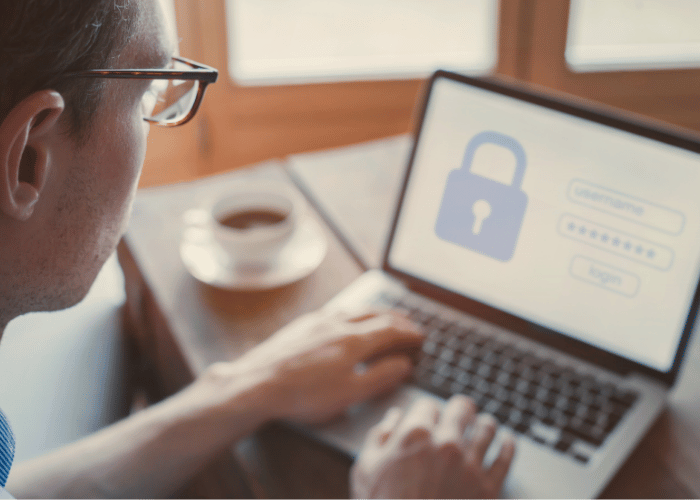
If you use a weak or reused password, scammers can guess or steal your login credentials. Logging in from a public or unregistered device triggers a one-time secure access code—fraudsters may trick you into sharing that code via fake emails or calls, then use it to access your account. Even routine cookie-deletion can lead to extra code prompts, creating more opportunities for attackers to phish you.
Red Flags
- Repeated requests for secure access codes on a device you’ve already registered
- Login screens missing your bank’s usual padlock icon or “https://” prefix
- Unexpected emails or calls asking you to re-enter your password or access code
How to Protect Yourself
- Never share your login ID or password with anyone
- Create a long, unique password—mix letters, numbers, and symbols—and change it regularly
- Only register personal devices you control; avoid using public or shared computers
- Opt for text or phone delivery of secure access codes rather than email if delays occur
- Keep your browser set to remember the bank’s cookie so you only receive codes when truly needed
Give Your Account an Extra Layer of Protection With 2-Step Verification
Enable 2-step verification and get extra security when you sign in to horizonbank.com. You’ll be asked to verify it’s you by entering a one-time code.
Internet Security
Whether you’re at home or on a company network, outdated software, unpatched browsers, or unsecured Wi-Fi can let malware slip in - spyware that harvests your passwords, ransomware that locks up your files, or Trojans that open back-doors into your accounts. Even a single infected USB drive plugged into your personal PC can spread threats across all your devices.
Red Flags
- Sudden pop-ups demanding “urgent” software or security updates
- Suspicious email attachments or links, even from people you know
- Wi-Fi network names that mimic legitimate hotspots
How to Protect Yourself
- Enable automatic updates for your operating system, browser, and any security software
- Never disable your firewall or antivirus - keep them running at all times
- Verify unexpected attachments or downloads by confirming with the sender via a separate channel
- Avoid public Wi-Fi for sensitive tasks; if you must, use a trusted VPN or your mobile hotspot
- Don’t plug unknown USB drives into your devices; stick to ones you sourced yourself
Protecting Your Mobile Device
Malicious apps, phishing texts (“smishing”), or out‐of‐date operating systems can let spyware or malware onto your phone or tablet. Once installed, these threats can steal login credentials, intercept your banking sessions, or harvest personal data. A lost or stolen device without proper locks can hand over all your saved passwords and app access to a criminal.
Red Flags
- Apps requesting unusual permissions (e.g., a simple game asking for access to your contacts or SMS)
- Urgent texts with links claiming your account is locked or at risk
- Unrecognized apps suddenly appearing on your home screen
How to Protect Yourself
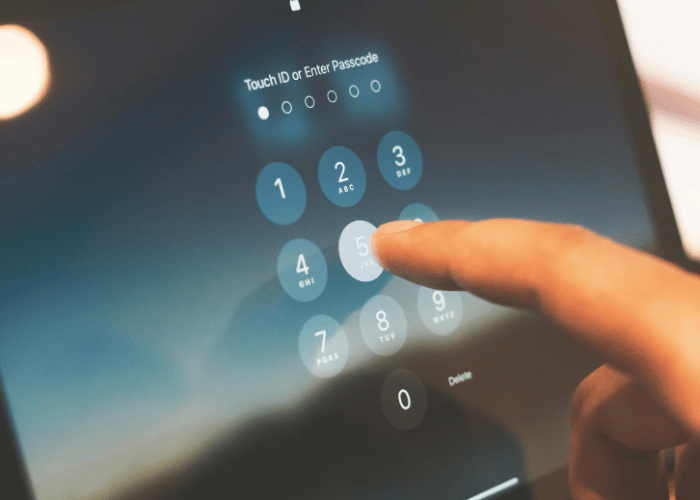
- Always lock your device with a strong passcode or biometric (fingerprint/Face ID)
- Log out of banking and sensitive apps when finished
- Keep your OS and apps up to date and install reputable mobile-security software
- Avoid downloading apps from untrusted sources; stick to official app stores
- Before selling or recycling, perform a full factory wipe or use the manufacturer’s remote-wipe feature
Frequently Asked Questions
-
How can I tell if my identity has been compromised?
Look for signs like missing paper statements, unexpected alerts about new accounts or loans in your name, or unfamiliar inquiries on your credit report. You can also order a free credit report every four months at annualcreditreport.com to spot unauthorized activity early.
-
What should I do if I notice suspicious activity on my online banking account?
Immediately contact your bank using a verified phone number or secure messaging - never reply to the suspicious email or call. Change your password, review recent transactions, and, if needed, request new secure access codes. Double-check that you’re logging in via your bank’s official site (look for the padlock and “https://”).

-
Is it safe to access my bank account over public Wi-Fi?
Public Wi-Fi can be insecure and allow attackers to intercept your data. If you must, use a trusted VPN or switch to your mobile data hotspot. For the highest security, stick to your home or office network when handling sensitive transactions.
-
How often should I update my passwords?
Use long, unique passwords for each account—mix letters, numbers, and symbols—and change them at least every 3–6 months or immediately after any suspected breach. A password manager can help you generate and store them securely.
-
What steps should I take if my mobile device is lost or stolen?
Lock or remotely wipe the device using your manufacturer’s tools or mobile-security app. Reset passwords on your banking and email apps and notify your bank so they can monitor for unauthorized transactions.
-
Are USB drives a risk to my personal devices?
Yes. An infected USB can spread malware across your network. Only use flash drives from trusted sources, scan them with up-to-date antivirus software, and never plug in drives you found or didn’t obtain yourself.